

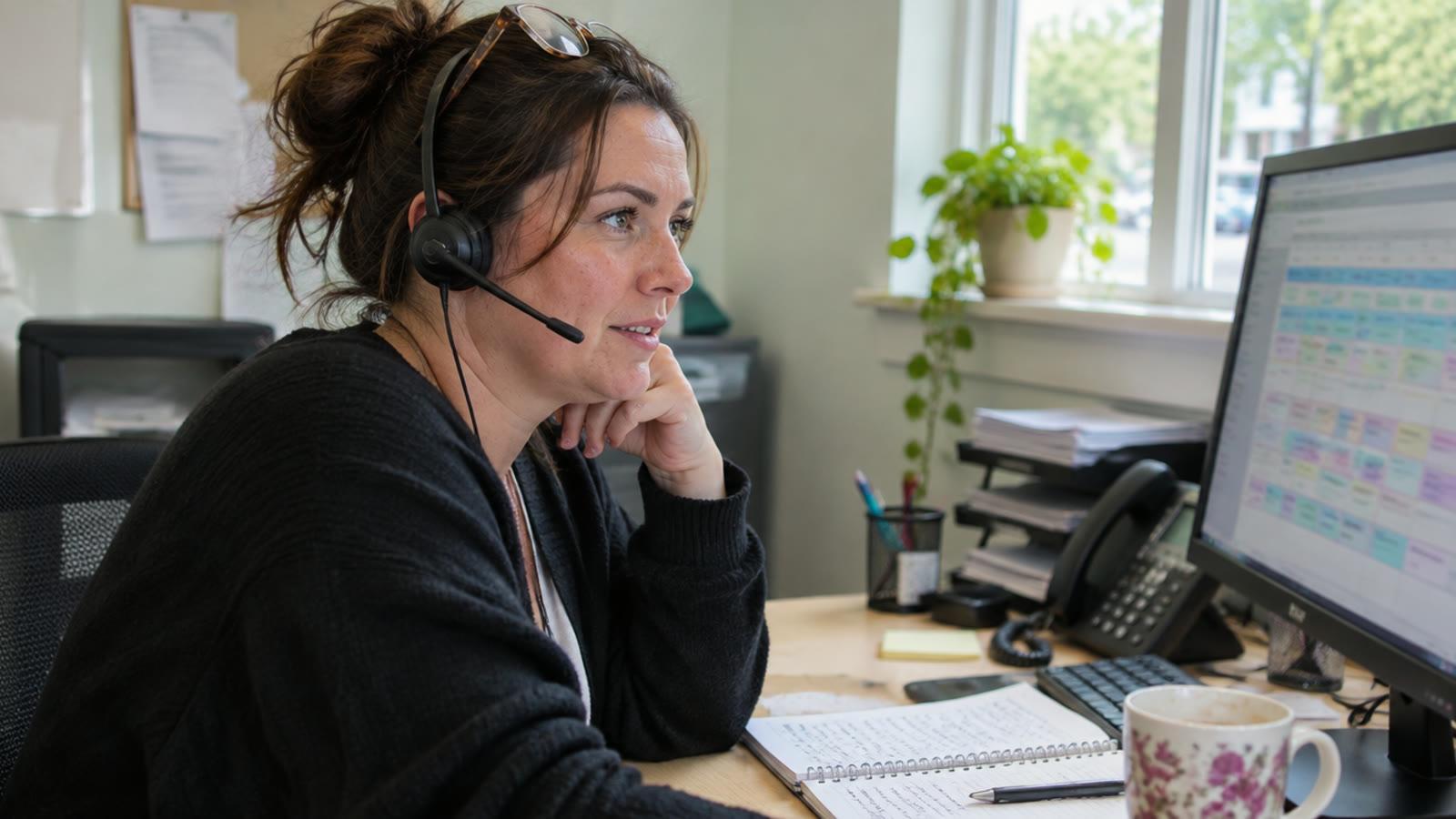
In a home care branch, a lot of the office day goes on phoning round when a carer calls in sick, answering families who want to know when the carer is coming, chasing late visit alerts and checking care notes. Then there's timesheets, mileage, invoices and new referrals sitting in the inbox. AI can sort, draft, remind and flag across all of that. The care decisions and anything sent to a family or touching money stay with your people.
What the office day actually looks like
So say a carer texts at ten to seven to say they're not well. Your coordinator opens the rota, works out which calls are now uncovered, and starts ringing round to see who's free and close enough.
While that's going on, the phone keeps ringing. A daughter wants to know why her mum's carer hasn't turned up yet. Your call monitoring flags a visit that's running 20 minutes late, and someone has to chase it.
By the afternoon the care notes from the morning are coming in and somebody needs to read through them for anything that needs following up. Then at the end of the week it's timesheets and mileage for payroll. At the end of the month it's invoices to the council and private clients. And somewhere in the middle of all of that, a new referral came in by email on Tuesday and nobody's replied yet.
None of these jobs is hard on its own, but they all land on the same two or three people at the same time, and the ones that can wait end up waiting too long.
Going through it job by job
The way we look at it is simple. For each job, who is doing it now, what part of it is just sorting and chasing, and what part needs someone who knows the client and knows care.
The sorting and chasing is the bit AI can take on, and the judgement stays with whoever does it now.
| The job | Who does it now | What AI can do | What stays with a person |
|---|---|---|---|
| Covering a carer who calls in sick | Coordinator, phoning round | List the uncovered visits, find carers who are free, nearby and already know the client, and send them a message asking if they can take it | Choosing who goes, especially for clients with complex needs or a preferred carer |
| Families ringing to ask when the carer is coming | Whoever picks up the phone | Answer with the live status from the rota, or send an update when a visit is running late | Any call where the family is worried about their relative, or wants to talk about care |
| Late and missed visit alerts | Coordinator or on-call | Chase the carer first, then flag it to the office if there's no answer within a set time | Deciding what happens next and whether the client is safe |
| Checking care notes | Care manager or senior | Read every note and pull out the ones that mention a fall, a change in eating, a refusal, or anything you've told it to watch for | Reviewing those notes, safeguarding decisions, anything clinical |
| Timesheets and mileage to payroll | Admin or finance | Match visits to call logs, work out mileage, and list anything that doesn't add up | Approving the run before it goes to payroll |
| Invoices to councils and private clients | Admin or finance | Draft invoices from the visits actually delivered, in the format each council wants | Checking and sending them |
| New referral enquiries | Whoever sees it first | Log every call and email, reply to say it's been received, and put it in front of the right person with the details pulled out | Deciding whether you can take the package on |
If you read down the last column, every line there is something that needs a person who knows the client, or something going out to a family or moving money. That's the line we hold. A person signs off anything that goes to a customer or moves money, and the AI doesn't give clinical advice. I wrote more about where that line sits in the decisions to keep human in AI workflows.
A worked example
This is an example, and the numbers are made up and rounded.
Say a branch gets three sick calls a week, and each one takes your coordinator 45 minutes of phoning round. Then say the office takes 15 calls a day from families asking about timings, at about four minutes each. That's roughly two and a quarter hours a week on sick cover and five hours a week on "when's the carer coming".
Now say the AI does the first pass on both. It sends the cover request to the right three carers and the coordinator just confirms who's taken it. Families get a message when a visit is running late, so fewer of them ring in.
Rough numbers, but if that saves even half of it, your coordinator has three or four hours back every week. Across five branches, that's somewhere between 15 and 20 hours of office time a week going back into actually looking after people.
When it's not worth bothering
If you run one small branch and your coordinator handles all of this comfortably, I wouldn't change anything yet. The phoning round is annoying, but it's also how they keep in touch with their carers, and that's worth something.
The same goes if your rostering system already does a lot of this well and your team actually uses it. Plenty of care management systems handle late alerts and timesheets properly. If that's working for you, adding another thing on top of it just gives people one more screen to check.
Where it starts to make sense is when you've got a few branches, each one doing these jobs a bit differently, and the office time grows every time you take on more hours.
How we'd go about it
Agentryx One is the platform we build around how each business works, and we run it for you on a contract. We host it, look after it, fix what breaks and keep improving it, and your data stays yours.
For a care group, it would usually sit alongside the care management or rostering system you already have, at least to begin with. We wouldn't ask you to rip anything out on day one. If you ever do want to move off a system, this is how we'd think about switching.
The parts that matter most here are Intake for the calls, emails and referrals, Scheduling and dispatch for sick cover, Customer updates for families, and Back office for timesheets and invoices. There's more on how it fits care on the healthcare page.
The closest thing we've built is Rota, an app for domestic cleaning companies. It plans recurring visits, gives each worker their day with access instructions and a checklist for each home, lets them report a problem from the visit, and works offline. The owner sees what needs attention today. It's a different industry, but the shape of the work is very close to a home care rota.
The way we'd start is with one branch. We'd take one or two of the jobs from the table, usually sick cover and family updates, get them working properly there, and only then roll it out to the rest.
If you want to see what this looks like for you
If any of this sounds like your branches, book a 30-minute call. We'll go through how your office day actually runs, and show you which jobs we'd hand over to AI first and which ones we'd leave exactly where they are.